How to Find Anyone and Everyone’s Contact Information
October 19, 2021 · SourceCon Digital Fall 2021 ·
Speakers

About this video
Finding a candidate's name on LinkedIn is the easy part. Getting them to actually respond often means reaching them somewhere else entirely, and that takes knowing where to look for personal emails, cell numbers, and other contact details that don't show up in a normal search.
A wide range of practical, low-cost tactics cover how to track down that information across industries:
- Free people-search engines such as That's Them, Whitepages, True People Search, and Radaris, tested by looking up your own name or a private family member to see how accurate they are
- Chrome extensions like Hiretual (free tier) for pulling emails and Boolean strings, plus alternatives such as Swordfish, Hunter, and ContactOut, with a reminder that these tools come and go and should be organized with an extension manager
- Reverse lookups, where a phone number or email plugged into a search site returns a full name and address, useful for sorting out ambiguous contacts like "N. Sanderson"
- Reading LinkedIn or Facebook URLs for clues, since a clean name-based URL often hints at a matching Gmail address
- Connecting with prospects directly, since accepted LinkedIn connections unlock free email addresses, sometimes phone numbers, and a casual messaging option
- Mining an ATS or CRM for references and old applicants, since candidates who applied for a past role, were passed over for cost or experience, or listed a manager as a reference are often sitting in the system already
- Guessing Gmail addresses using the first.last@gmail.com pattern, which works best for uncommon names and can be confirmed by Google's autofill suggestions and profile photo
- Standardizing a company's email format once it's discovered, then reusing it for every prospect at that employer
- Searching Google Images for resumes in black and white, filtering by file type, to pull contact details straight off candidate documents
- Checking personal portfolio sites for developers and designers, staff or "meet the team" pages for salespeople, and GitHub profiles for engineers
- Using minus operators to filter out a company's generic domain and surface a healthcare worker's or professional's personal email instead
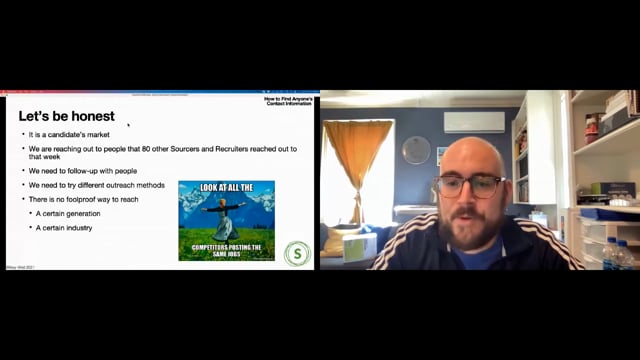
The underlying point is that no single channel works for every generation or industry, so reaching a candidate usually takes multiple attempts across email, text, LinkedIn, and phone before getting a response.