I’m not like other Boolean Builders, I’m a cool Boolean Builder
October 21, 2021 · SourceCon Digital Fall 2021 ·
Speakers

About this video
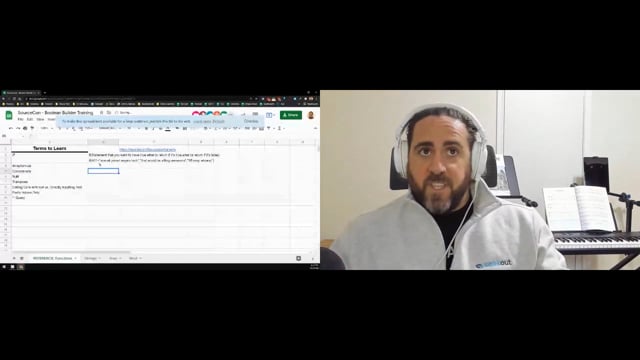
A working Boolean string builder gets constructed inside Google Sheets from scratch, function by function, so sourcers can walk away with a reusable tool instead of just a demo.
The build starts with the basics of any spreadsheet function: hitting the equals sign, opening a formula, and using the built-in question-mark help to read the syntax. From there it moves through the specific functions that make a Boolean builder work:
- IF statements, for returning one result when a cell matches a condition and another when it doesn't, including how to test for blank cells and how to use "does not equal."
- ARRAYFORMULA, for running a single IF statement across an entire range of cells instead of writing it out row by row.
- CONCATENATE, for joining text and cell references together, whether that's combining names, adding spaces between words, or pulling text directly from other cells.
- SPLIT, for breaking a single cell into separate pieces, such as pulling a city out of a "City, State" entry using the comma as a delimiter.
- TRANSPOSE, for flipping data between rows and columns, and combining it with SPLIT to turn one long comma-separated string into a clean vertical list.
- Calling a cell's text versus typing text directly, and why that distinction matters once quotation marks need to appear inside quotation marks in a search string.
- Paste Special: Values Only, so copied results bring over plain text instead of the underlying formula.
These pieces get assembled into a live formula that takes a list of terms in one column and turns them into a properly formatted string, wrapped in quotation marks and joined with "OR," ready to drop straight into a search bar. The same approach applies to scraped lists, such as pulling every school from a list of top computer science programs and turning it into a single search string instead of typing each term in by hand.
The goal throughout is a tool that can be rebuilt and adjusted independently, rather than a fixed template, so that search strings for schools, job titles, locations, or any other repeated pattern can be generated without retyping the same Boolean syntax every time.