Shally's Seekout Sourcing Secrets
March 9, 2022 · SourceCon Digital Spring 2022 ·
Speakers

About this video
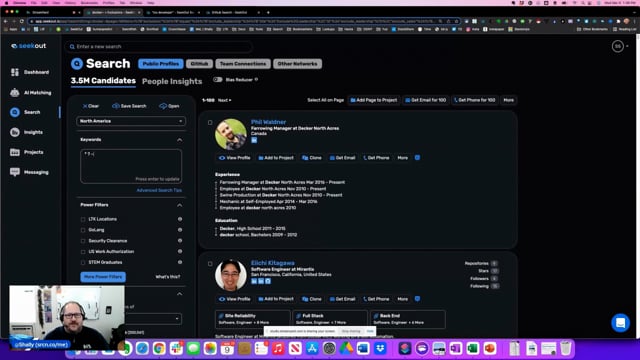
A hands-on walkthrough of SeekOut covers the search mechanics that don't show up just by clicking around, aimed at sourcers who want tighter, more creative candidate lists.
- Using
NOTat the end of a search string to strip out false positives, such as excluding CPA when looking for accountants, with notes on capitalization and parentheses for multiple exclusions. - Built-in exclusion filters that remove recruiters, salespeople, or leadership profiles from results in one click.
- Wildcard characters: the asterisk to catch every variant of a word root (developer, develops, developing), the question mark to swap a single letter (matching both CPA and CFA), and the tilde for fuzzy matching that pulls in misspellings and related terms like Docker and Kubernetes.
- Field-specific commands, including
current_title,past_titles,headline, andsummary, combined with Boolean OR statements and parentheses to pull candidates whose job title appears anywhere in their profile, not just the current title field, expanding results from a few thousand to tens of thousands. - Searching previous locations to find candidates who used to live in a target city, a tactic especially useful for smaller labor markets where more people have left than currently reside there.
- Export options, including a standard format with dozens of fields (schools, majors, skills, certifications, languages, volunteering) for deep personalization in outreach, plus direct one-click or bulk export into a connected ATS or CRM.
- Minimizing candidates already seen or already contacted, so repeat searches surface only genuinely new profiles.
- Building custom power filters, such as a saved combination of target companies, countries, and states, that can be reused instantly in future searches.
Audience questions cover international sourcing, industry coverage beyond tech, and the limits of profile data for clinical roles where candidates may not maintain active LinkedIn presences.