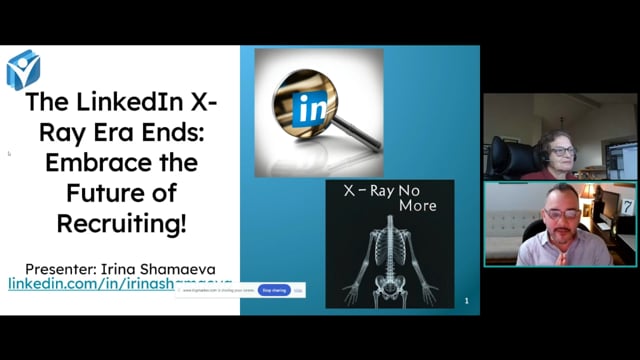
The LinkedIn X-Ray Era Ends: Embrace the Future of Recruiting!
February 1, 2024 · Webinars ·
Speakers

About this video
Public LinkedIn profiles have quietly lost most of the information that made X-ray search useful. Headline, current experience, education and the "about" section are now missing from what Google and Bing can see, and Google's index has been adjusting to match — meaning a search like site:linkedin.com/in "manager" increasingly turns up nothing, even for someone whose title clearly matches. Bing, despite being a Microsoft product, has no special access to LinkedIn data either, since it can't log in and see private profile content.
What still works, and what to do instead, includes:
- Checking a profile's raw HTML (via "Save As" or browser inspector) to see what data Google actually has access to, rather than trusting what's visible in an incognito window.
- Running a broad Google search to collect a starting list of profile URLs, using a search-results scraper that pulls more results than Google's interface normally shows.
- Feeding that list of LinkedIn URLs into an enrichment tool such as SalesQL or PhantomBuster, which accesses profiles under a logged-in account and pulls full data — current and past positions, education, skills, and personal contact information — while staying under a safe daily volume to avoid account blocks.
- Exporting the enriched list to build a personalizable outreach list in minutes, without touching LinkedIn's own network-based search limitations.
Alongside the workaround, a set of undocumented search operators for LinkedIn Recruiter is laid out, entered directly into job title or company fields rather than keywords. These allow searching fields officially unavailable through the standard interface, including headline and summary text, self-reported skills, and boolean combinations such as degree type paired with years of experience.
A separate warning covers LinkedIn's own filters: fields like company size, company type, and seniority are so inconsistently populated that selecting them can silently exclude a majority of matching candidates. Text-searchable fields, by contrast, offer far better coverage, and skipping LinkedIn's structured filters altogether is often the safer choice for broader, more accurate results.